
Make Video Background Transparent
Turn any clip into a video with a transparent background. Upload your video, the AI removes everything behind the subject, and you download a transparent video ready to layer over other footage.
How to make a video background transparent
1. Upload an MP4, MOV or M4V video.
2. Remove the background — the AI isolates the subject on every frame.
3. Download the video with transparency (alpha channel) and drop it into your project.
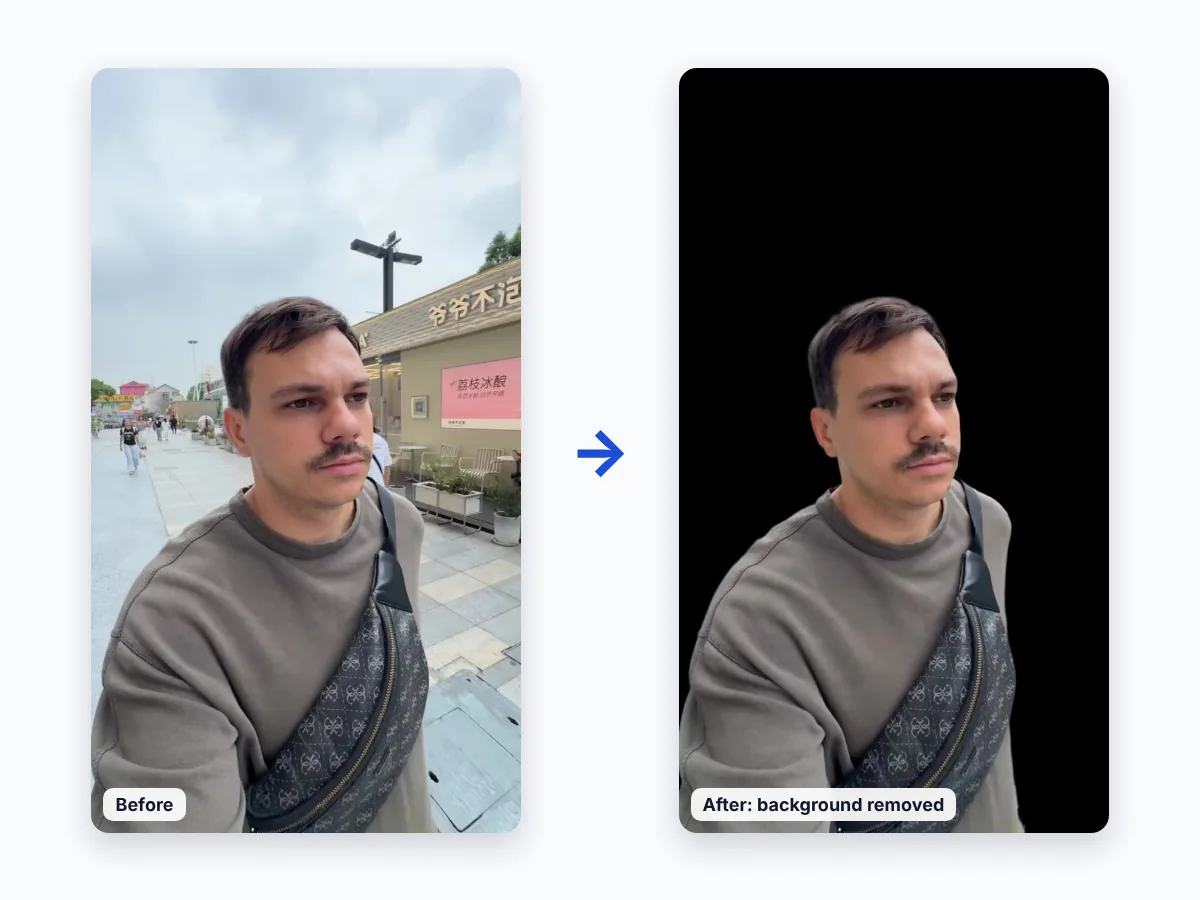
What is a transparent background video?
A normal video stores colour for every pixel. A transparent video also stores an alpha channel — information about which pixels are see-through. When you place it over another layer in an editor, only the subject is visible and the layer below shows through.
Transparency is supported by formats such as WebM (VP9) and MOV (for example ProRes 4444). Standard MP4 (H.264) does not store transparency, which is why removing a background usually changes the output format.
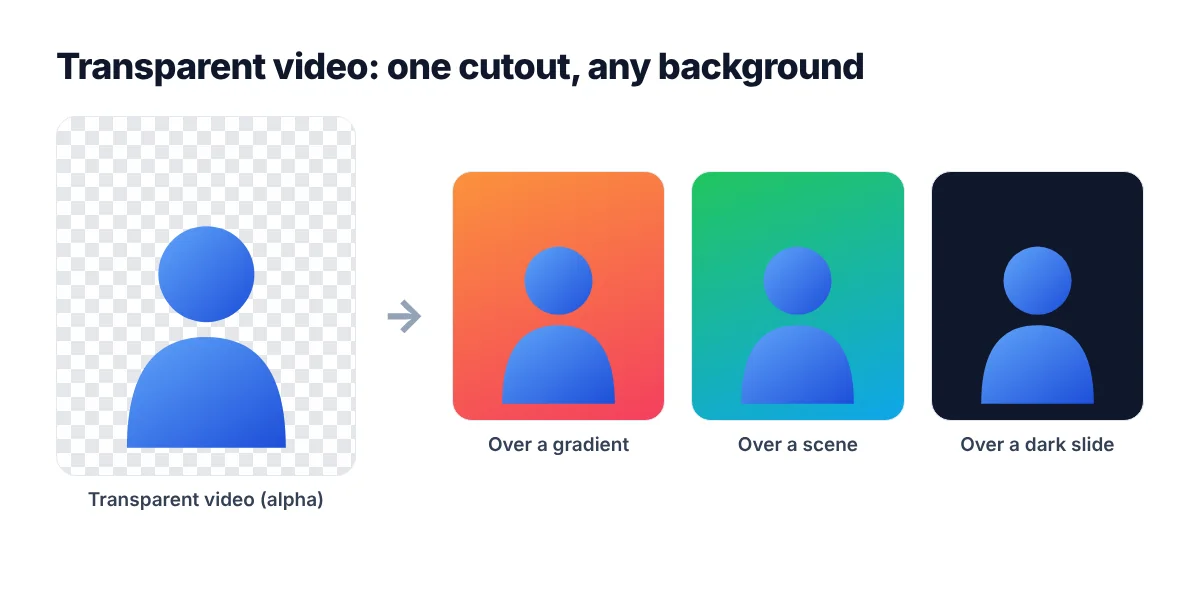
Where to use transparent videos
- Video editing: overlay a presenter or product in Premiere Pro, After Effects, DaVinci Resolve or Final Cut Pro.
- Social media: create cut-out overlays for TikTok, Reels and YouTube Shorts.
- Presentations and websites: place animated cut-outs over slides or web pages.
- Streams and games: add transparent overlays in OBS and game engines.
Tips
- Check that your editor or platform supports videos with an alpha channel.
- If the target app does not support transparency, place the transparent video over a new background in an editor and export a regular video.
FAQ
Can I make a video background transparent without a green screen?
Yes. The AI removes ordinary backgrounds, so you do not need a green screen. If you have green screen footage, see remove green screen from video.
Can MP4 have a transparent background?
Standard H.264 MP4 files do not support transparency. You can upload an MP4 to the video background remover and get a transparent video as the result.
How do I add a new background after making it transparent?
Place the transparent video on a track above any image, colour or video in your editor. Start with the video background remover.